Climb
An intermittent fasting tracker for iPhone and Apple Watch.
It can’t lose your fast. Climb stores the instant you started, never how long it’s been — so there is no running total to drift, and nothing to lose.
Download on the App Store →Free · iPhone and Apple Watch · requires iOS 26.5 or later
Why that matters
Most fasting apps count upwards. Climb works backwards from when you started.
Storing elapsed time is why other trackers lose fasts after a restart, a reboot, or a daylight-saving change — the most common complaint in the category. Climb derives every number from the start instant and the current time, every time you look. Change timezone mid-fast and it stays right.
A ladder, not a ring
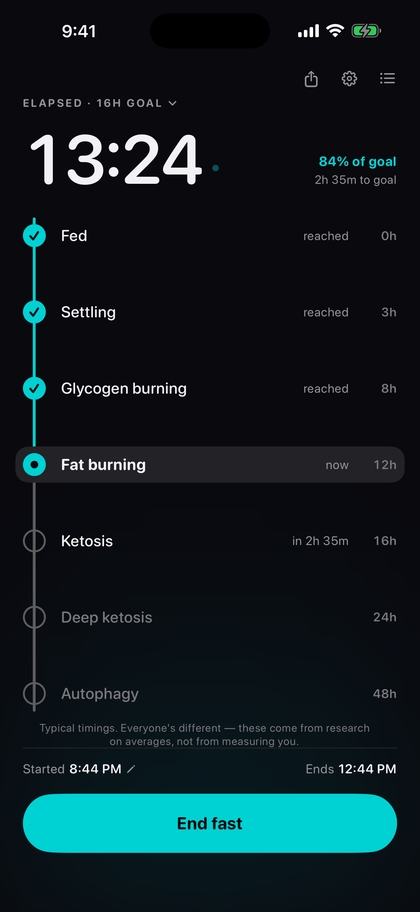
Seven stages, so progress has somewhere to go.
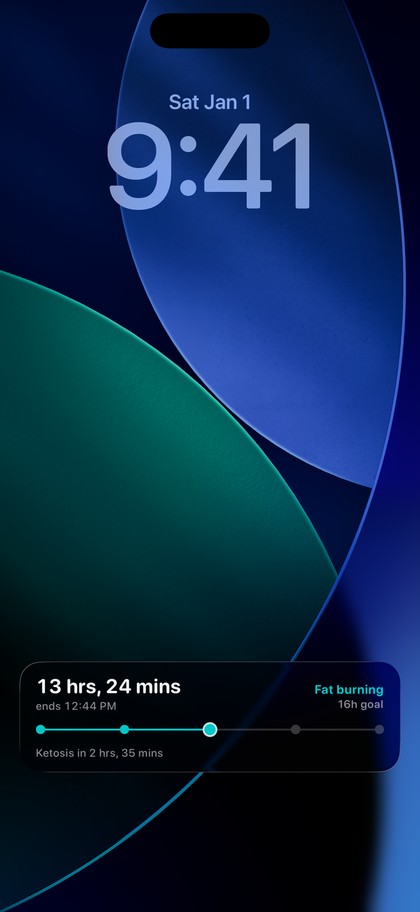
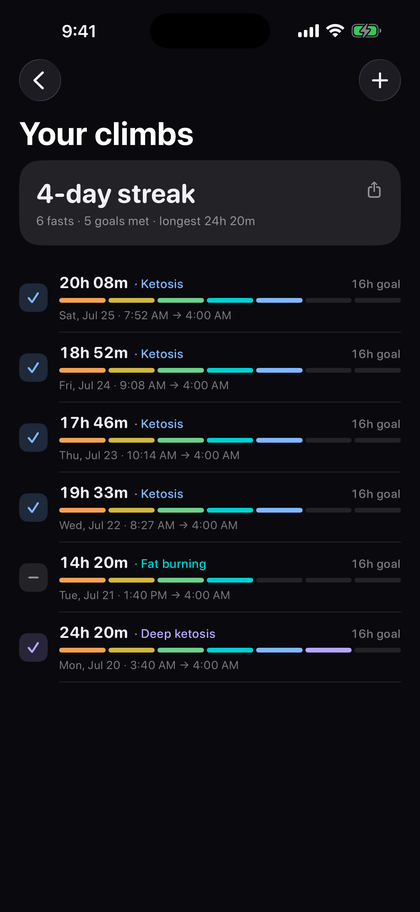
The colour climbs amber to violet as the hours pass — on the phone, the widget, the Lock Screen and the watch face alike.
- Fed0h
- Settling3h
- Glycogen burning8h
- Fat burning12h
- Ketosis16h
- Deep ketosis24h
- Autophagy48h
Typical timings, drawn from research on averages — not measurements of you.
The rest of it
Privacy
Nothing leaves your phone.
No account. No sign-in. No analytics. No advertising identifiers. No third-party SDKs. Climb makes no network requests at all — there is no server for your data to reach even in principle. See the privacy policy, which is short because there is very little to say.